
Workday for finance teams
Smarter planning, driven by Workday Adaptive Planning
Workday Adaptive Planning helps finance teams with better Financial Planning and Analysis. Let’s solve your budgeting, forecasting, planning and reporting challenges.


Planning challenges
Still stuck in spreadsheets?
We understand the frustration. Finance professionals often spend excessive time on manual tasks, arduous data manipulation,
and error-checking spreadsheets. This leaves little time for strategic and more value-adding work.
Why Workday Adaptive Planning?
Modern financial planning capabilities
Workday Adaptive Planning is a market-leading Financial Planning and Analysis solution built specifically for finance teams. It has been recognised as a 2023, 2024 and 2025 Gartner Customer’s Choice for Planning Software.
a powerful FP&A tool
Workday Adaptive Planning
features and capabilities
Workday Adaptive Planning is a cloud technology trusted by over 7,000 customers globally. It provides budgeting, forecasting, reporting and data visualisation services to help organisations better manage their business, improve performance, and make smarter decisions.
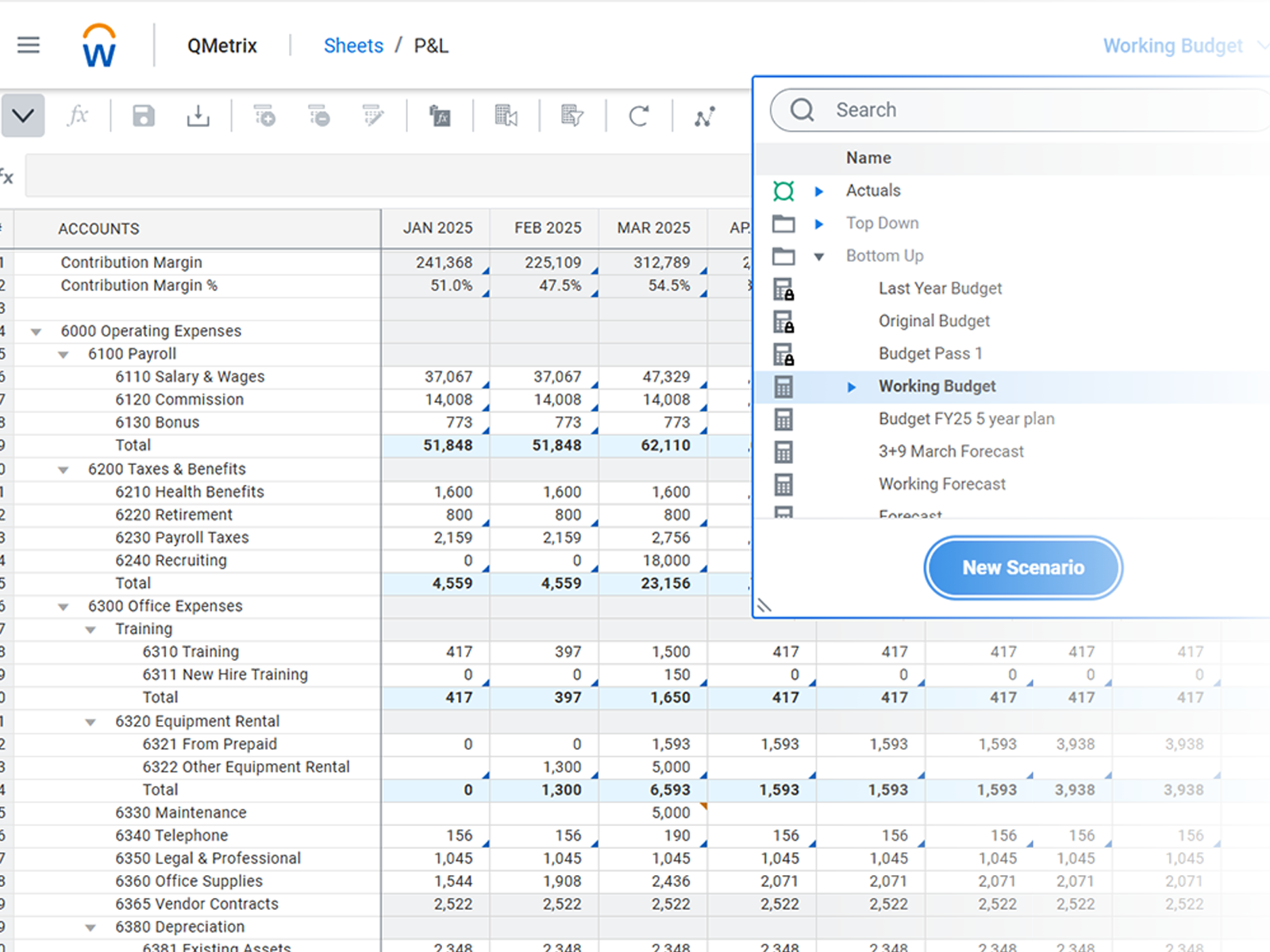
Budgeting
and Forecasting
Workday Adaptive Planning delivers fast, flexible budgeting and forecasting with intuitive, Excel-like modelling. Its cloud engine enables real-time updates, driver-based plans and seamless collaboration.
This helps finance teams boost accuracy,
agility and confidence in every plan.
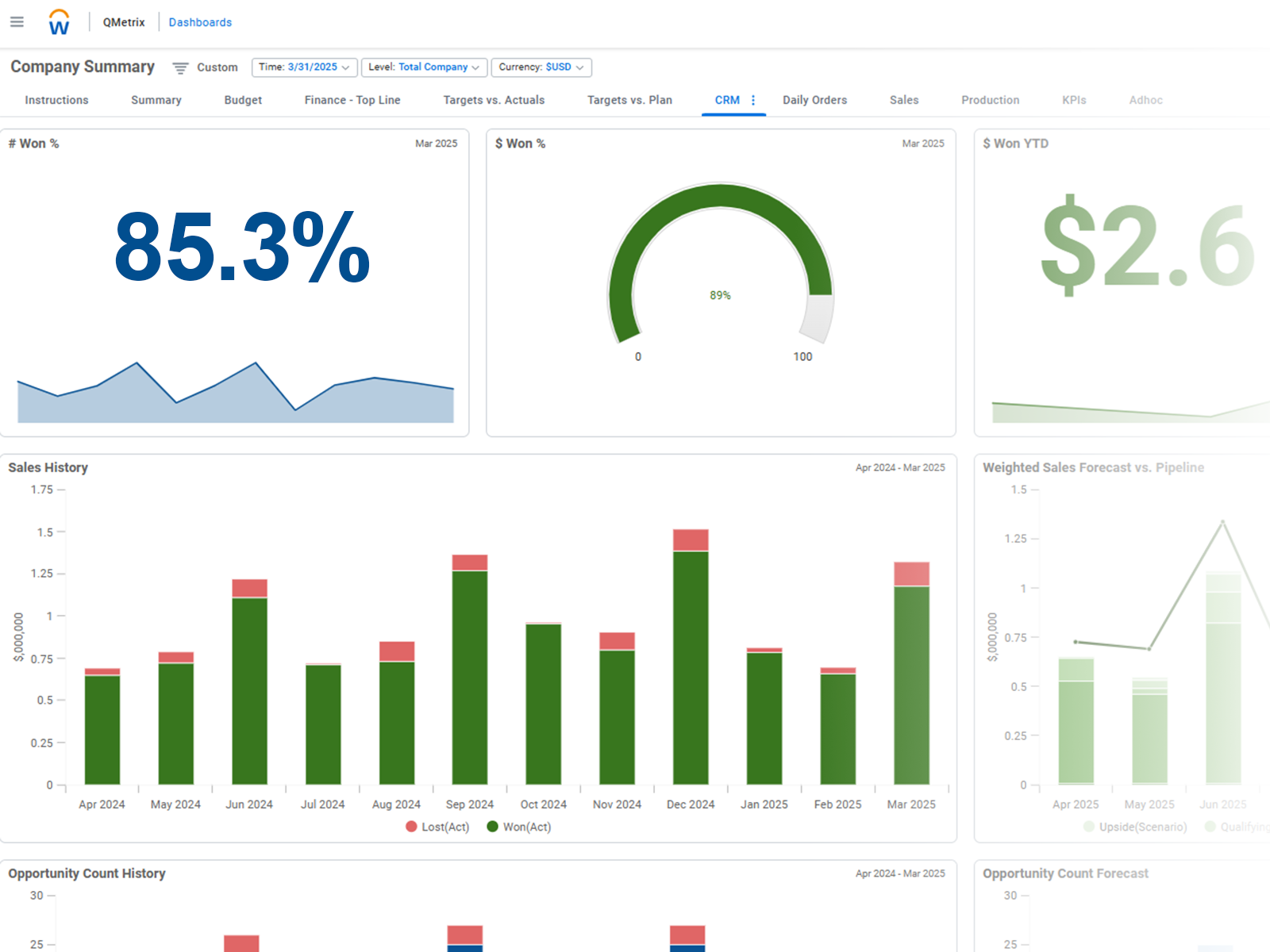
Management Reporting
and Analysis
Get powerful management reporting and analysis with timely dashboards, interactive visuals and self-service insights.
Finance team members and business leaders can quickly explore data, track performance and share clear, trusted reports, driving stronger alignment across the business.
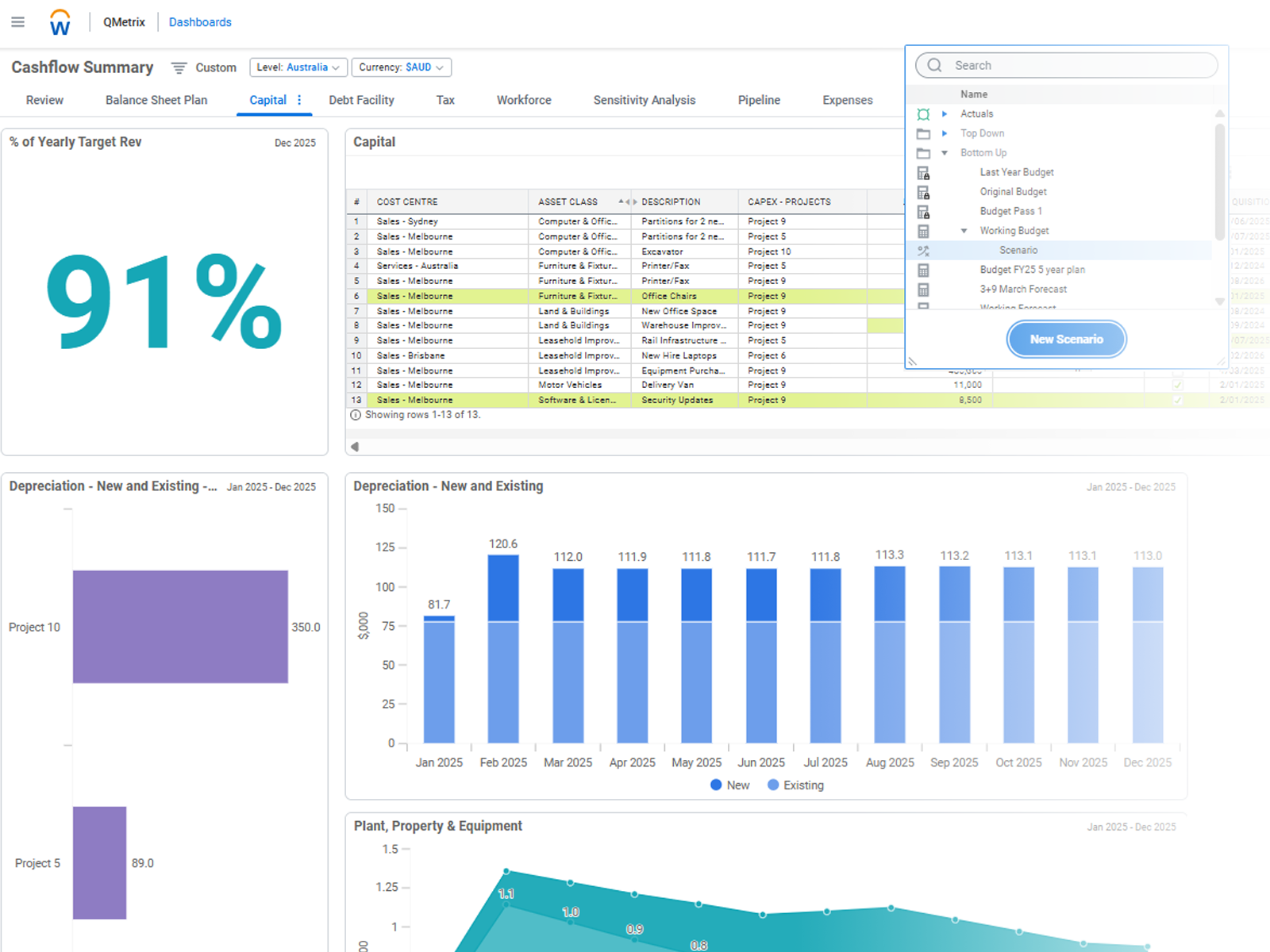
Scenario Planning
Explore rapid ‘what-if’ scenario modelling to compare assumptions, test risks and evaluate outcomes instantly.
Workday Adaptive Planning enables easy
top-down or bottom up drilling, and helps organisations plan for uncertainty and achieve greater agility in changing business conditions.
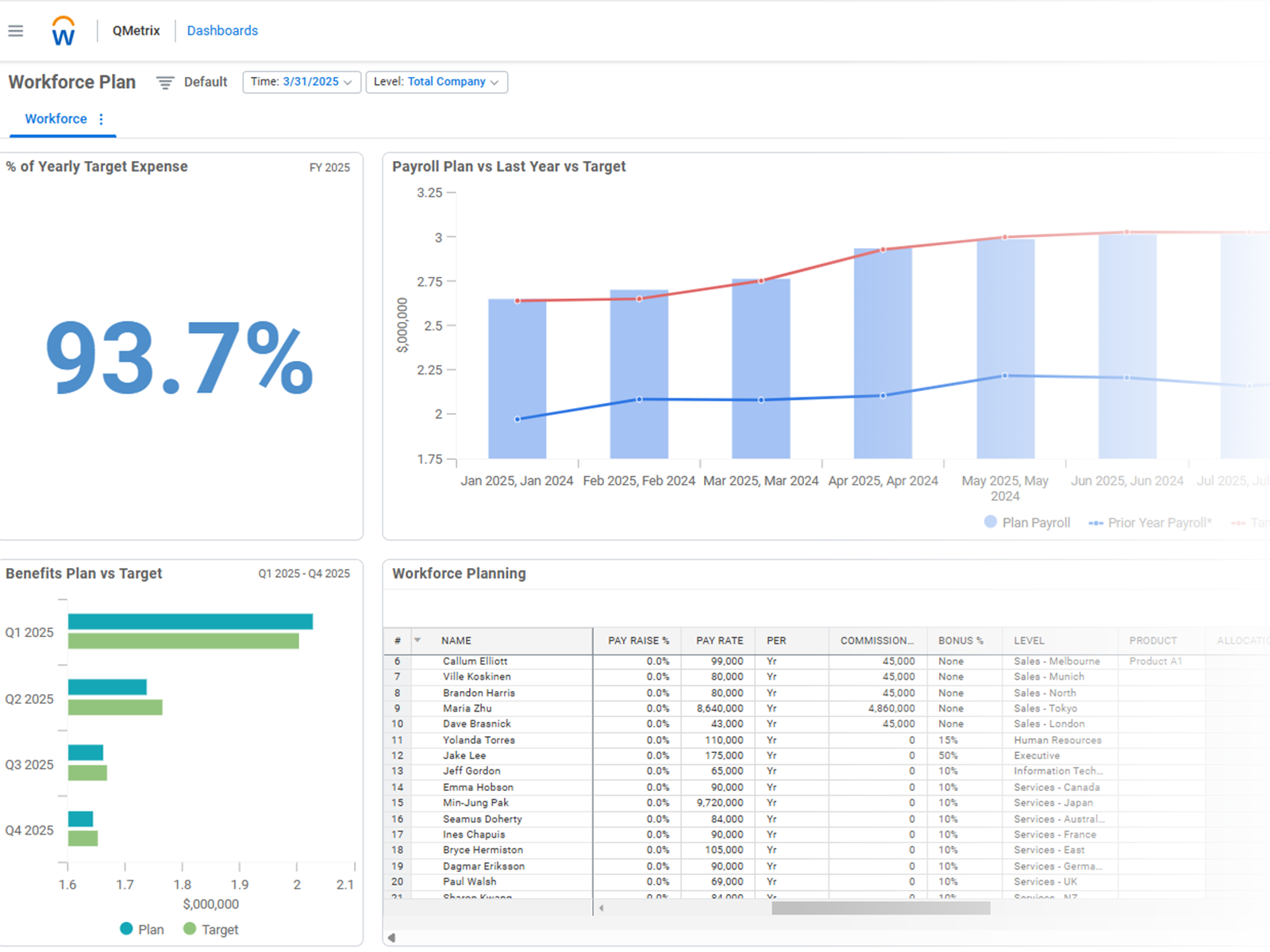
Strategic Workforce Planning
Plan for your workforce with real-time headcount, skills and cost insights – with assumptions all built into Workday Adaptive Planning.
Its flexible modelling helps organisations align talent needs to business goals, optimise staffing scenarios and plan future capacity.
Automated data flows
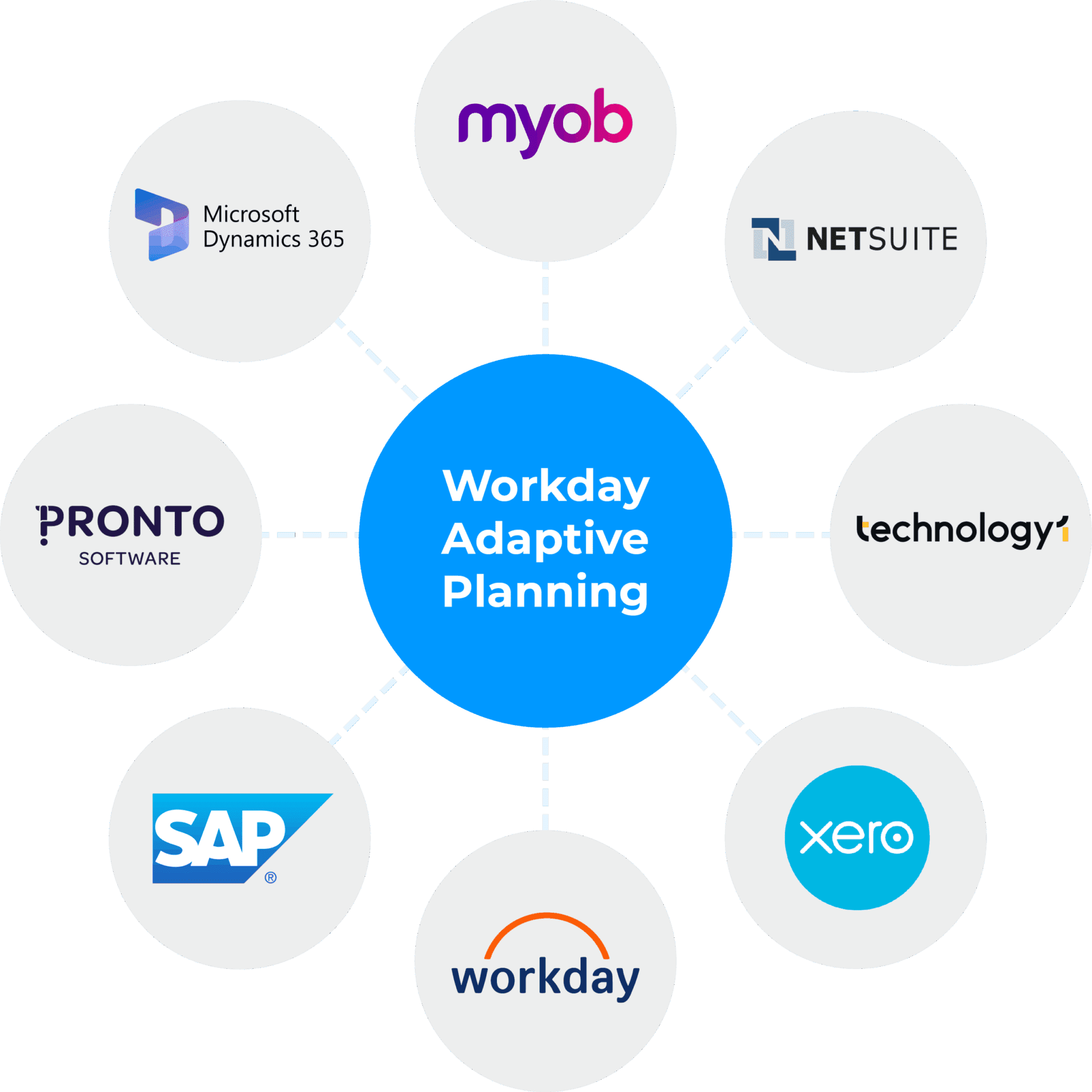
Workday Adaptive Planning integrates seamlessly with your existing systems, ensuring fast, reliable data flows across finance, HR and operations.
Automated connections reduce manual work, improve accuracy and give teams timely insights – enabling more connected, efficient and informed planning. Learn more about Workday Adaptive Planning integration.

Why QMetrix
Experts in the region
QMetrix combines deep specialisation, a proven methodology, and ongoing support to ensure success with your implementation. We have been awarded by Workday Adaptive Planning as APAC Partner of the Year, in recognition of our successful implementations with clients across Australia, New Zealand and Southeast Asia.
Work with a trusted partner
We adopt a phased, consultative model focused on listening, challenging assumptions, and guaranteeing success beyond go-live.
Deep finance expertise
Our team consists of CA/CPA-qualified professionals who truly understand finance challenges and language
Collaborative
co-pilot
We work as an extension of your team, delivering immediate wins while designing a scalable, sustainable solution
Empowering ownership
We train your team to own and manage the system without having to rely on external assistance
Verified
success
Our certified consultants ensure your instance delivers business value from day one
for current adaptive users
Maximise value: Get an Adaptive Health Check
If your current Adaptive Planning instance is slow, suffers poor user uptake, or if models no longer suit your needs, our Health Check can help you.
We review your instance and provide a remediation roadmap that will set you on the path to an optimised investment in Workday Adaptive Planning.

Clients who partner with us




















OUR CLIENTS
Testimonials

“We’ve had consultants who tried to give us bandages to fix cuts, but I wanted to get to the root of the problem and stop cuts from happening altogether. QMetrix upholds that kind of standard and I appreciate that. It’s a continual journey of innovation and learning, and we are so glad to be partnering with QMetrix on this journey.”
Natasha Jalani
Finance Manager


“As accountants and finance people, we all love Excel. Adaptive Planning has the same look and feel as Excel, and the ability to write and extract reports as required is also beneficial. We now have more analytical ability to delve deeper into the business and its financial performance.”
Adrian Pasa
Group Finance & Commercial Manager


“We wanted something that would work for us now, and also into the future. That’s why we chose Adaptive Planning. What really secured it for us was QMetrix and its people, whom we felt could support us in the best way to achieve our goals and the process”.
Anthony Young
Financial Controller

Workday Adaptive Planning
Tips and Tutorials
Our consultants create the popular “Two Minute Tuesdays” featuring quick Workday Adaptive Planning tips, longer tutorials, the latest release updates and more.
Explore them and level up your knowledge of Workday Adaptive Planning here.
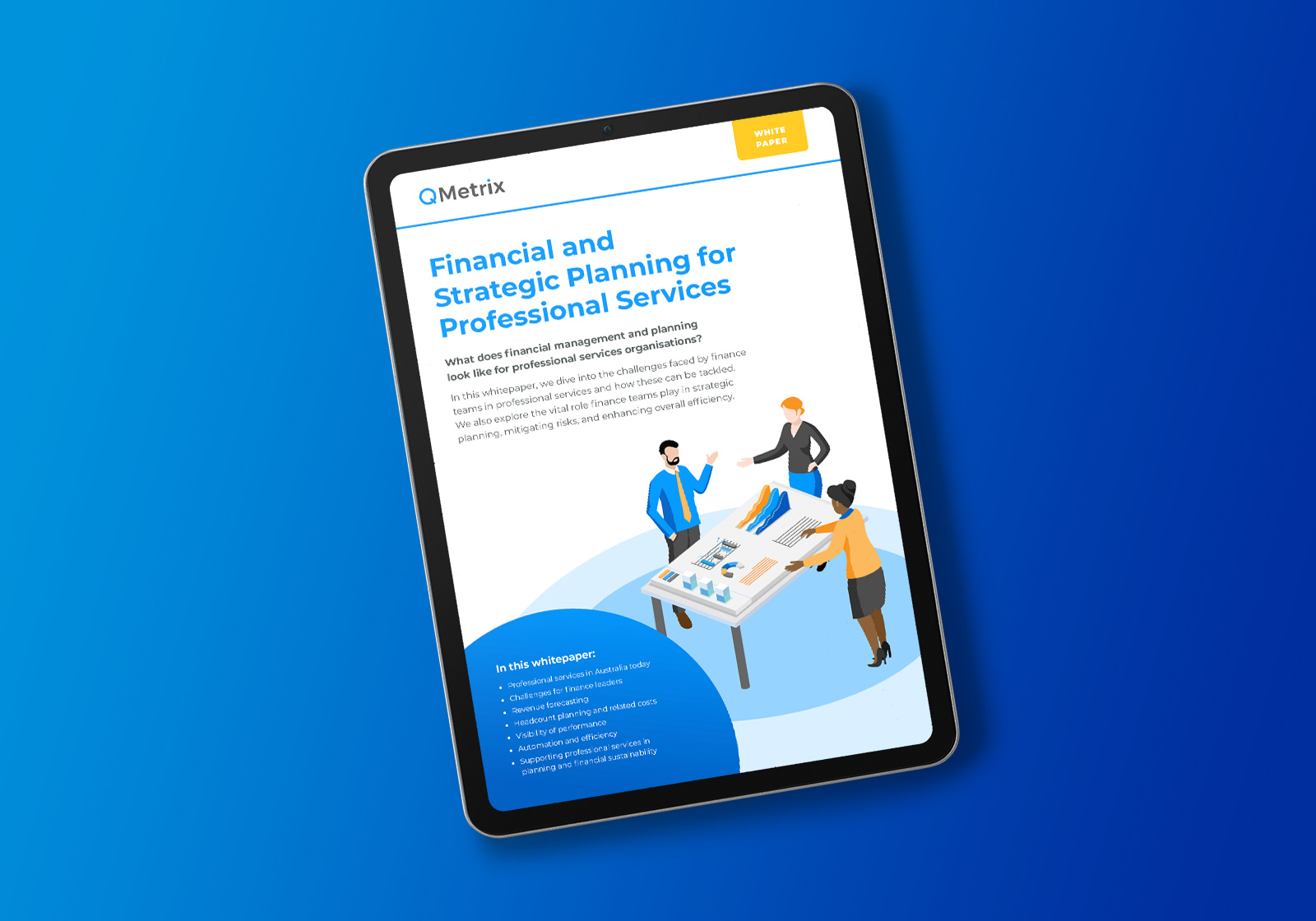
Financial and strategic planning for professional services
In this whitepaper, we explore the challenges faced by finance teams in professional services. We discuss their role in strategic planning, mitigating risks, and enhancing overall efficiency.
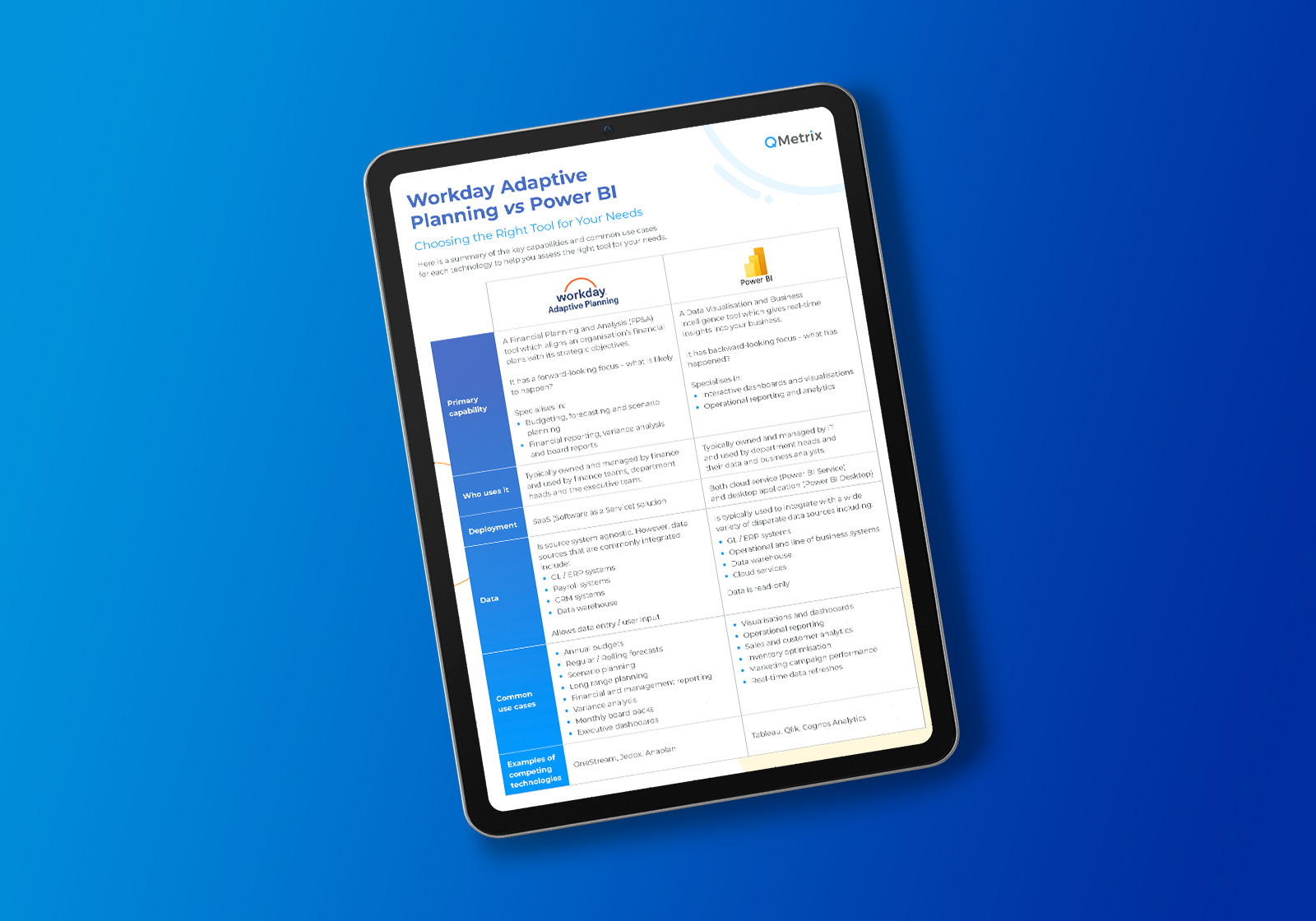
Workday Adaptive Planning vs Power BI: Choosing the right tool for your needs
Do you need Workday Adaptive Planning if you already use Power BI? While both tools are powerful, they serve different purposes in an organisational setting.
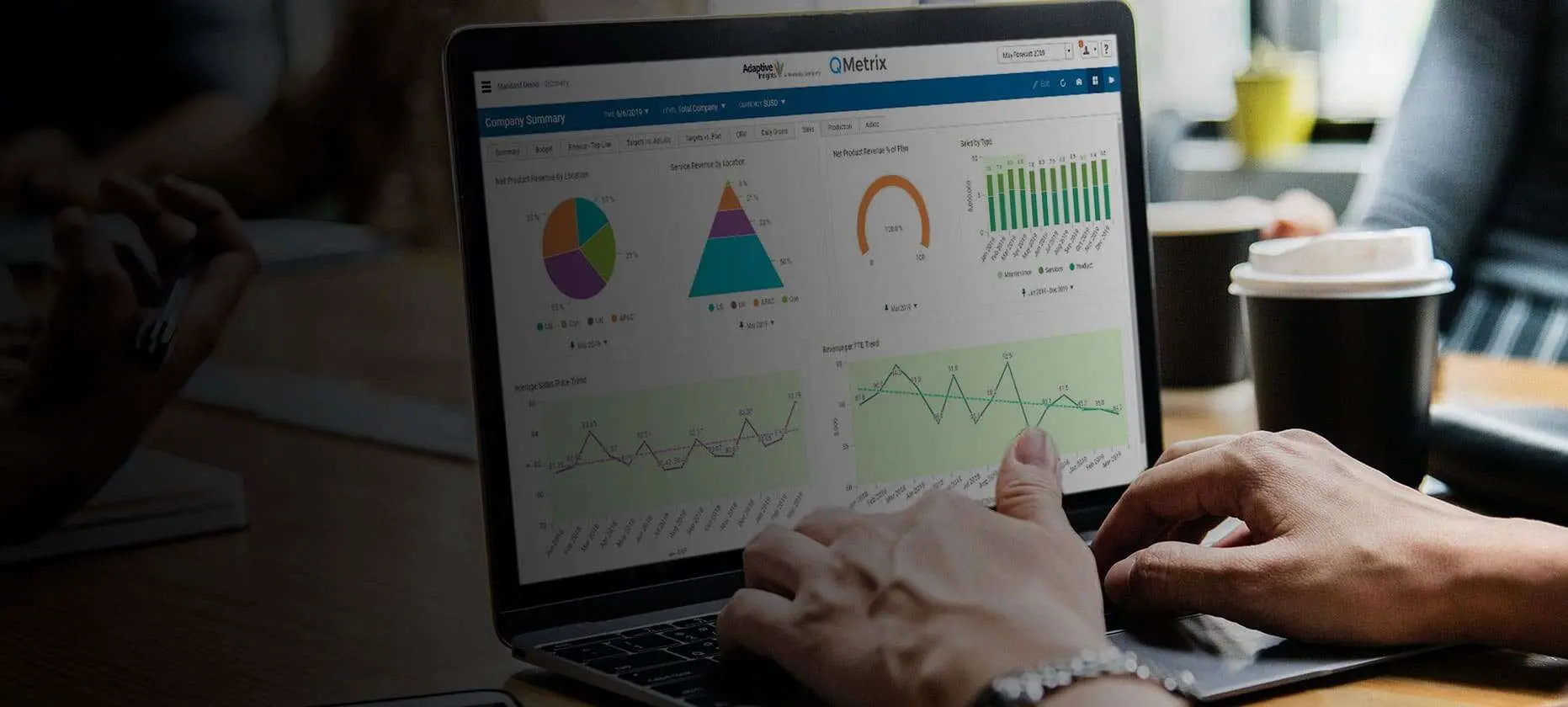
Maximising FP&A Potential – Tips for Cloud-Based ERP Users
Are you using Microsoft Dynamics 365 ERP or another cloud-based ERP? Learn how you can get more from your Financial Planning and Analysis capability in this video.
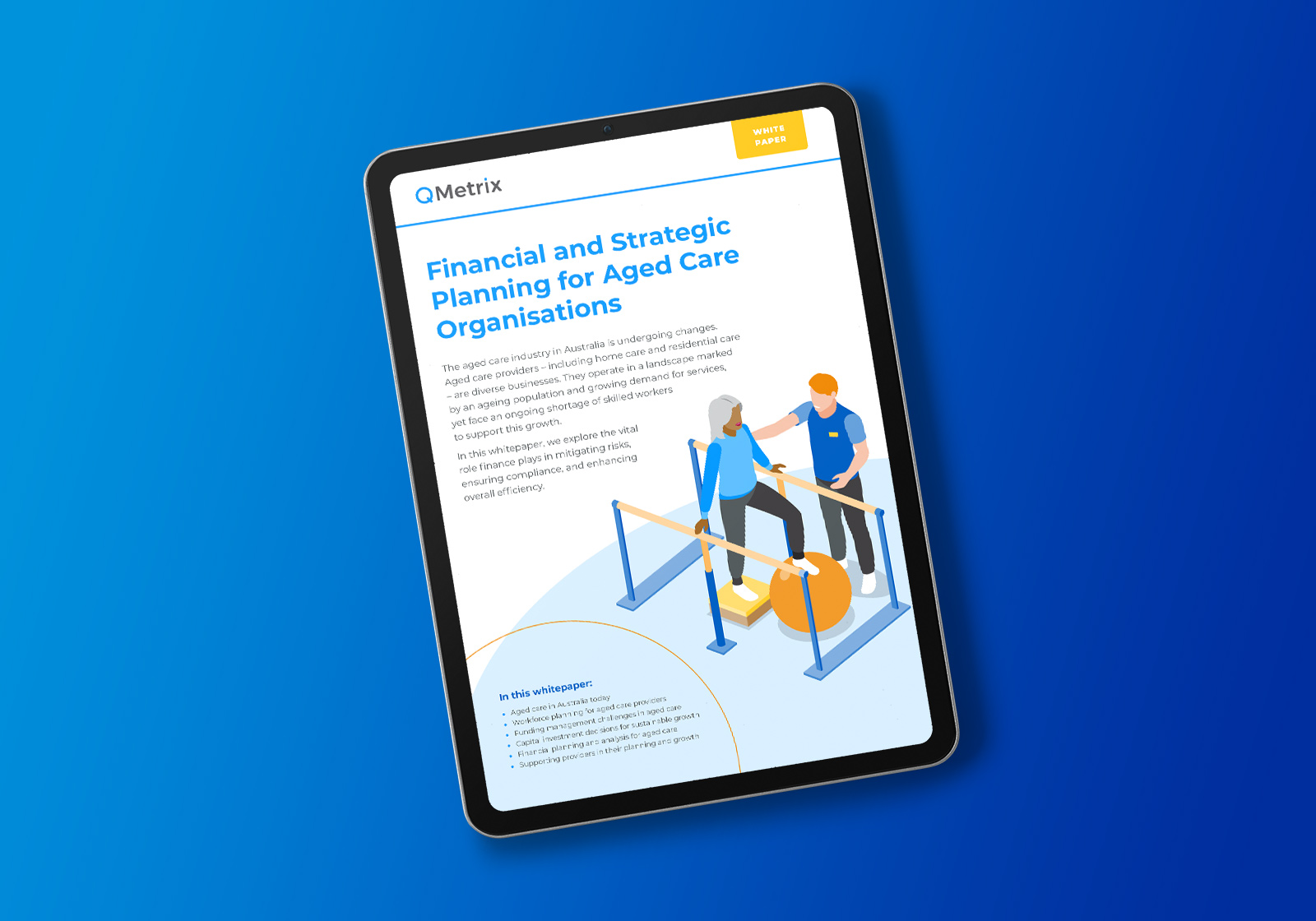
Financial and strategic planning for aged care organisations
Read about the challenges in aged care and the role finance plays to mitigate financial risks, ensure compliance, and enhance overall efficiency.
The Age of AI: Report by Harvard Business review Analytic Services
Discover insights from Harvard Business Review’s report on AI adoption, challenges, and strategies. Learn how businesses can build a solid data foundation to leverage AI effectively.

Profisee demos
Watch demos of Profisee: the
industry’s only Adaptive MDM Platform with native Microsoft integrations.
Understanding Workday Adaptive Planning’s Economic Value
What are the cost savings and business benefits enabled by Workday Adaptive Planning? This research tells you the return on investment (ROI) organisations have gotten from it.
CPM Technology Comparison List – Workday, IBM and Anaplan
Considering which EPM or FP&A technology will best fit your finance team and organisation? Refer to this handy sheet of features, strengths and limitations to decide.

How to solve the top reporting challenges
Why is corporate reporting so challenging? You have plenty of information to work with. But why is it so hard to create timely, accurate reports?
Financial planning solutions: A buyer’s guide
When purchasing a planning solution, you want to find the right technology for your organisation’s specific needs, and the right partner to support your needs and goals. Here are 5 steps to getting that right.
FAQs about Workday Adaptive Planning
Quick answers to common queries about Workday Adaptive Planning, implementation and our partnership.
Workday Adaptive Planning is a cloud-based Financial Planning and Analysis software which provides budgeting, forecasting, planning and reporting capabilities. The toolset is intuitive and designed for finance teams and business users to plan effectively, visualise performance and monitor results. It was formerly known as Adaptive Insights, and is now part of the Workday suite of products.
Workday Adaptive Planning has a proven track record of driving efficient and effective planning solutions for 7,000+ businesses worldwide across a wide array of industries. It has been recognised as a 2023, 2024 and 2025 Garner’s Customer’s Choice for Planning Software. Speak to us to discuss if Workday Adaptive Planning will be the right fit for your organisation’s current needs.
External consultants can help you get started by implementing and building initial models. At QMetrix, we build models to best practice and provide training to equip finance teams to own and manage the models going forward. Workday Adaptive Planning is ultimately designed to be owned, managed and maintained by everyday business users and has been recognised industry-wide for being intuitive for administrators, power users and end users.
At QMetrix, our team is made up of experienced finance qualified consultants (CA/CPA) who understand first-hand the pain of going through manual budgeting and forecasting cycles. We are also backed by in-house data specialists who step in for data related challenges. Importantly, we specialise in Workday Adaptive Planning and have been recognised by Workday as APAC Partner of the Year in 2024 and 2025.
QMetrix has implemented Workday Adaptive Planning for more than 100 finance teams and have a proven methodology that works. We don’t just take your existing spreadsheets and replicate them; instead we partner with you to enhance models according to business needs and best practice. We will ensure the Adaptive Planning suite is optimised to drive the most value for your organisation.
Workday Adaptive Planning is licensed annually based on the number of users and overall size of the company. This makes it affordable for smaller enterprises and can be scaled up or down to suit the changing needs of the business. As a cloud solution, there are no hidden infrastructure costs to worry about. Read our guide on FP&A tools including a rough cost guide here.
Implementation time can vary. For our prepackaged offering, deployment can be completed in as little as 4 weeks – learn about our Plan to Thrive implementation packages. A more customised deployment can take from 8 to 10 weeks.